DigiMate AI agents automating business tasks inside Microsoft Dynamics 365 Business Central

AI automation add-ons

The DigiMate product suite for Business Central

Seven AI agents that take manual work out of ordering, receivables, payables, expenses and finance reporting โ€” connected to Microsoft Dynamics 365 Business Central and built on Microsoft Azure AI.

The suite

Automation and intelligence in one family

Customer & order automation

WhatsApp DigiMate, AI Calling Agent and AR Automation DigiMate handle enquiries, outbound calls and sales-order intake.
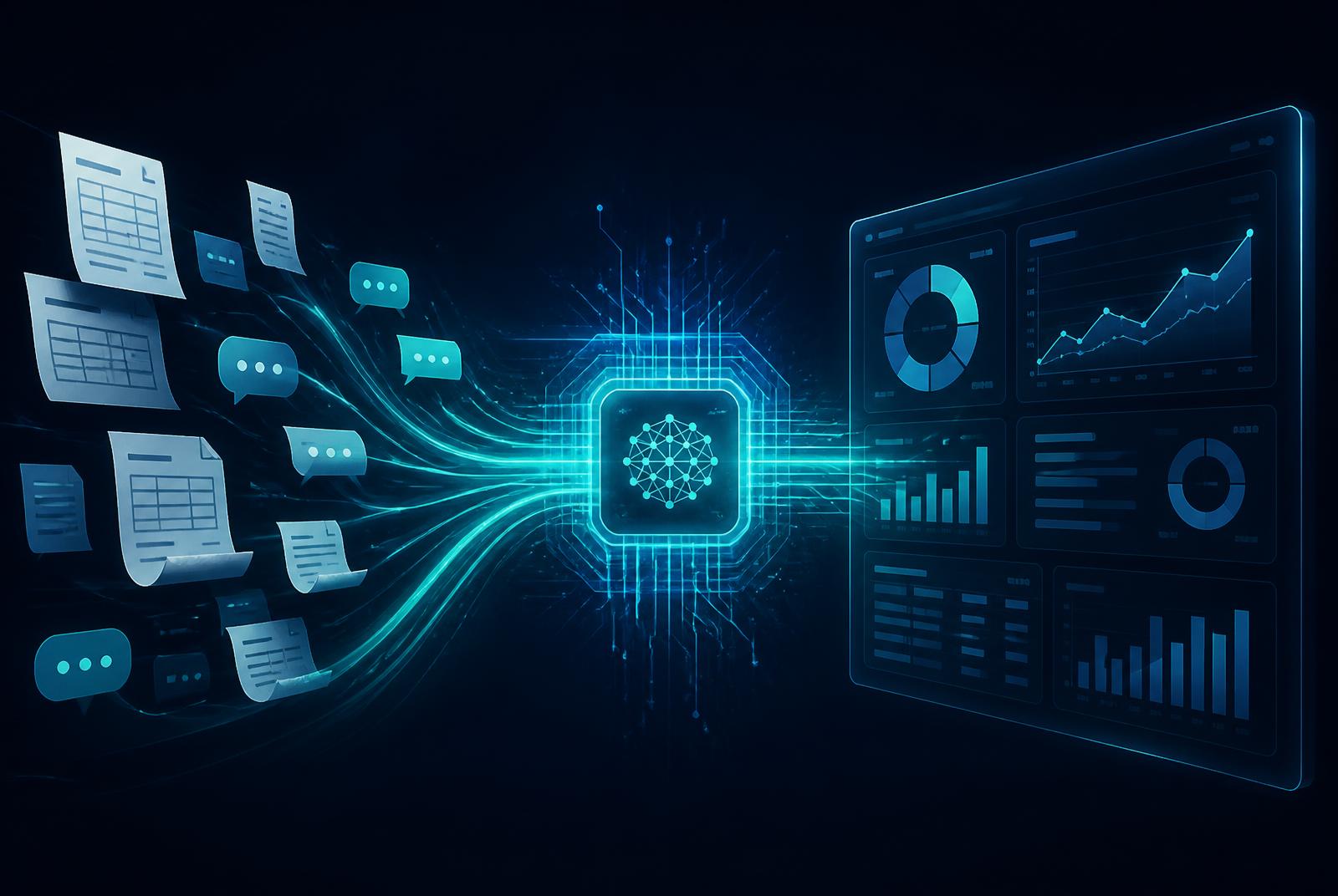
Finance automation

AI AP Automation and Expense Management DigiMate reduce invoice and expense data entry for finance teams.

Customer & finance intelligence

Customer Hub and Finance Hub DigiMate give authorised teams permission-aware answers from approved business data.

One platform

DigiMates connect to Business Central and use Microsoft Azure AI where required; commercials depend on approved scope.

Products

Every DigiMate in detail

WhatsApp DigiMate

A single WhatsApp message checks stock or creates a sales order in Business Central โ€” no logins, no app downloads, no training.

  • Natural-language inventory queries โ€” check real-time stock levels via plain WhatsApp text.
  • Automated sales order creation โ€” multi-item orders created in Business Central from one conversation.
  • Two-step order confirmation โ€” the customer reviews and confirms before Business Central is updated.
  • Order and invoice alerts, a full audit trail and PDPA-compliant data handling.

Accounts Receivable Automation DigiMate

Purchase orders arrive by email, Teams, SharePoint, customer portals or EDI; AI extracts the data and creates validated sales orders.

  • Document Intelligence extracts customer, PO, line, pricing, tax, delivery and confidence data.
  • Business rules validate delivery dates, payment terms, inventory and credit limits; exceptions are routed for review.
  • Inventory reservations and promised dates updated where configured, with source documents attached.
  • Sales-order, exception and audit views give visibility from receipt to order creation.

AI AP Automation

An AI agent reads supplier invoices from configured channels, validates them and prepares them in your ERP โ€” ready for approval, not data entry.

  • Reads any invoice format โ€” PDF or scanned, trade and non-trade โ€” extracting vendor, dates, line items, tax and totals.
  • Duplicate detection, vendor matching, total validation and three-way PO matching before a draft is created.
  • Creates a draft purchase invoice in Business Central with the original document attached.
  • Exceptions flagged for AP review; approved invoices post to the GL, with optional auto-posting.

Expense Management DigiMate

Employees submit a receipt; AI reads it, checks it against policy and prepares the claim in Business Central for approval.

  • AI receipt capture โ€” merchant, date, amount, GST and category read from photo or PDF receipts.
  • Policy and limit enforcement โ€” out-of-policy and duplicate claims flagged before they reach approvers.
  • Digital approval workflow through the configured Microsoft channel such as Teams or Copilot Chat.
  • Approved claims post to Business Central and flow into the configured payment process.

AI Calling Agent

Handles approved outbound voice conversations with natural dialogue and records the outcomes back in Business Central.

  • Natural voice conversations โ€” understands intent, handles interruptions and responds in real time.
  • Campaign-driven calls for approved follow-ups and outstanding-invoice reminders.
  • Customers, timing and frequency scheduled from within Business Central.
  • Transcripts, intent capture and outcome tagging synced to configured business applications.

Customer Hub DigiMate

A permission-aware knowledge assistant that unifies approved customer information for sales, account teams and managers.

  • Unified customer context โ€” orders, invoices, interactions and approved documents in one view.
  • Natural-language Q&A grounded in approved Business Central and Microsoft 365 data.
  • Account summaries, open risks and next actions generated in seconds.
  • Existing Microsoft permissions govern access, with an audit trail of agent activity.

Finance Hub DigiMate

A conversational finance cockpit โ€” cash, receivables, payables and margins answered from Business Central without building a report.

  • Live cash position, ageing buckets and top exposures in one place.
  • Overdue reminders drafted from Business Central for review where configured.
  • Ad-hoc finance questions answered without report writing or Excel exports.
  • Unposted documents, mismatches and open items surfaced ahead of period close.

Maintenance & technical support

Annual support plans

Standard support

  • 10 hours of technical support
  • Business-hours response
  • Product upgrades with active support

Enhanced support

  • 25 hours of technical support
  • Priority response
  • Product upgrades with active support

Licensing, usage volumes and implementation are quoted per approved scope โ€” contact us for a tailored proposal.

How we get you live

01

Confirm scope & commercials

Agree products, volumes, integration points and support package.

02

Implement & configure

Connect Business Central, configure the agents and test with your data.

03

Go live & support

Launch the agents and move onto your annual support plan with ongoing upgrades.

See the DigiMates working on your data

Tell us which process hurts most and we'll show the matching agent running against Business Central.

Request pricing

What are Winspire DigiMates?

Winspire DigiMates are AI agents built on Microsoft Copilot Studio that work inside Dynamics 365 Business Central and Microsoft 365, handling tasks such as reading invoices, chasing payments, answering customer questions and capturing expenses.

FAQ

Frequently asked questions

What is an AI quick win?

An AI quick win is a focused use of AI that saves time within weeks, such as automating invoice entry or collections calls, without a large transformation project.

Do DigiMates need Business Central?

DigiMates are designed to work with Business Central data, though some, such as the WhatsApp and AI Calling DigiMates, can also connect to other business systems.

Is our data safe with AI agents?

DigiMates run inside your Microsoft tenant and respect your existing Business Central and Microsoft 365 permissions, so data stays within your environment.

How do we identify where AI will help most?

Winspire runs a short AI quick-win assessment to review your processes and recommend the agents with the fastest return.